
ThrowDelide Trial Download
Download the full-featured 14-day trial for macOS or Windows.
macOS Monterey 12.0 or later • Apple Silicon / Intel • AU / VST3 / AAX
Windows 10 or later • x64 VST3 only
14-day full-featured trial • No iLok required for ThrowDelide activation • Machine activation only
We’ll send the download link by email. You may receive Defsound Labs updates and occasional offers. You can unsubscribe anytime. No automatic charge.
Read the ThrowDelide Manual • License / Trial / Activation Guide • Contact Support
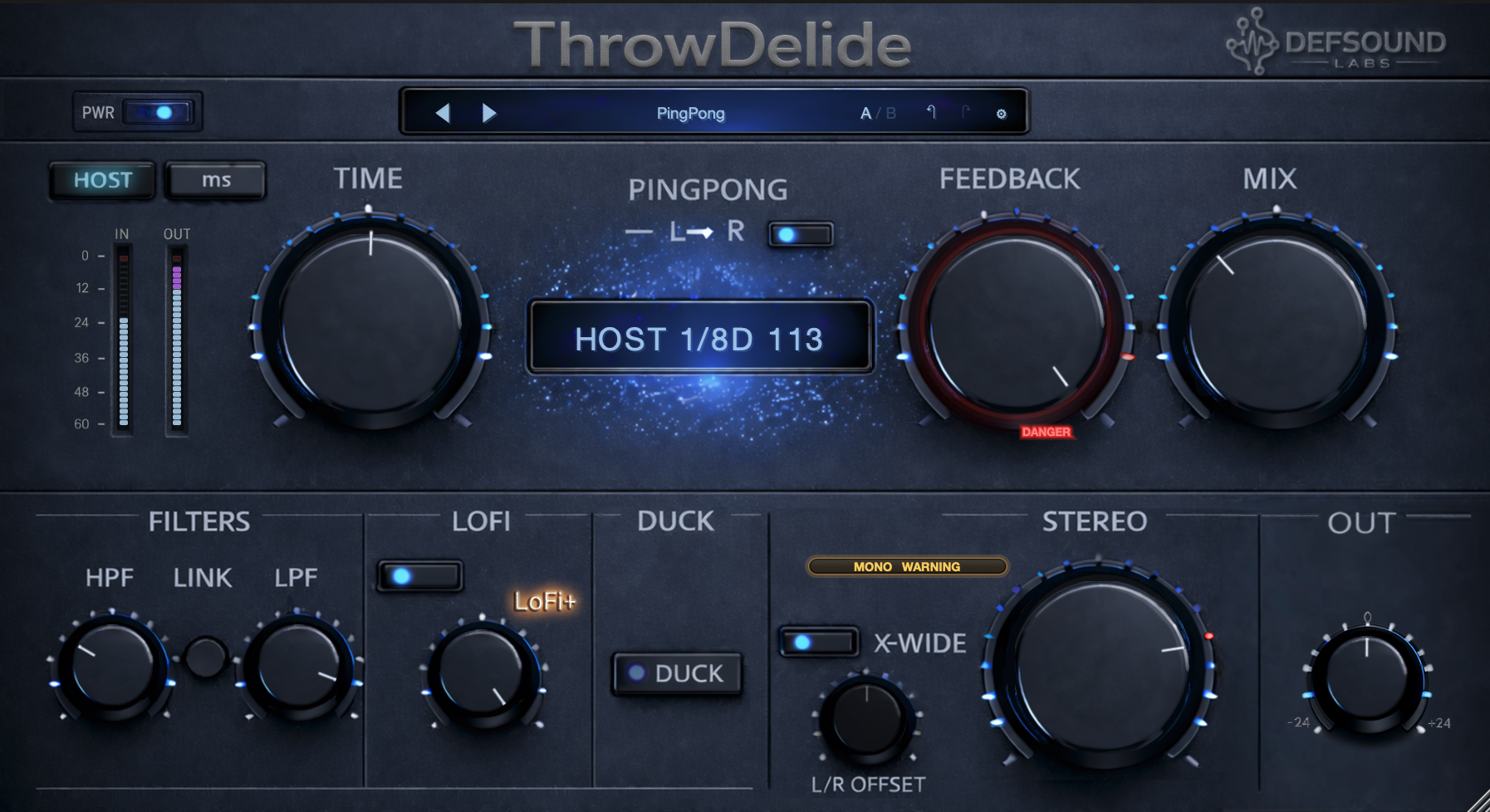
What’s Included
The ThrowDelide trial includes AU, VST3, and AAX for macOS, and x64 VST3 for Windows.
You can test ThrowDelide in compatible macOS or Windows hosts.
macOS requires Monterey 12.0 or later.
Windows requires Windows 10 or later and an x64 VST3 host.
Trial Terms
ThrowDelide includes a full-featured 14-day trial so you can evaluate it in real sessions before purchase.
After the trial period ends, a purchased license lets you continue using ThrowDelide.
Before You Install
Make sure you are downloading the correct installer for your operating system.
On Windows, a security warning may appear when opening the installer.
Please download only from the official Defsound Labs website.
If you need setup, trial, activation, or license details, read the License / Trial / Activation Guide
If you need product usage information, read the ThrowDelide Manual.
Need Help?
If you run into problems with downloading, installation, trial access, or activation, contact support@defsoundlabs.com.
When possible, include a short description of the issue so support can help you faster.